print out
US /prɪnt aʊt/
・UK /print aut/
A1 初級
phr. v.句動詞印刷する
I need to print out this document before the meeting.
動画字幕
0.4 データ構造とアルゴリズム:選択ソートコード (0.4 Data Structures & Algorithms: Selection Sort Code)
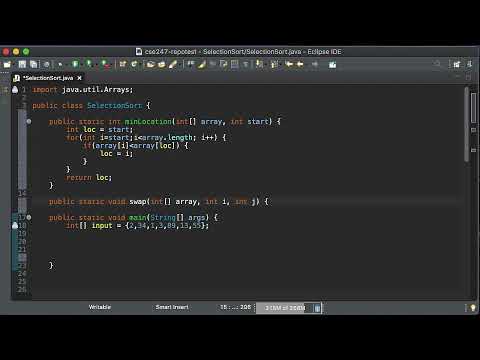
- I'm going to use a helper method, arrays.toString, to help me print out the contents of the array.
次に、この小さなヘルパー・メソッドを使って、配列から最小値を見つけよう。
- I'm going to use a helper method, arrays.toString, to help me print out the contents of the array.
次に、この小さなヘルパー・メソッドを使って、配列から最小値を見つけよう。
第5週 (Week 5)
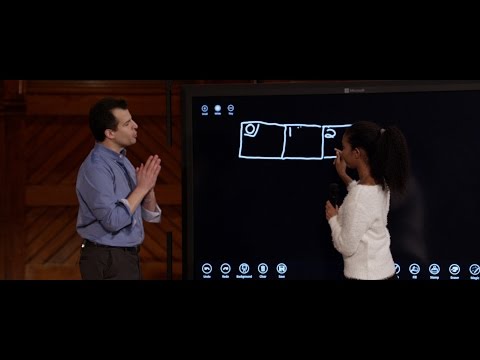
- Meanwhile, if I type next again and now print out y, I'm going to see 2.
しかし、上で何が起こっているのか その行の右側
- Meanwhile, if I type next again and now print out y, I'm going to see 2.
tが値を割り当てられる場合、?
【英語学習方法】こうすれば音楽を聴くことで英語力が向上!4つの方法

- Our second tip: you can print out the lyrics and try to translate it into your own language.
Spotifyには、曲を聴いているときに歌詞を読むことができるセクションがありますよね。
- Our second tip: you can print out the lyrics and try to translate it into your own language.
Spotifyには、曲を聴いているときに歌詞を読むことができるセクションがありますよね。
特別レポート:世界中で発生した大規模コンピューター障害 (Special report: Major computer outages occur worldwide)

- If you can't log in, you can't print out the boarding passes to get people on their planes.
ログインできなければ、人々を飛行機に乗せるための搭乗券を印刷することもできない。
- If you can't log in, you can't print out the boarding passes to get people on their planes, you can't, uh, you know, as a bank teller, even get fired up to help open up someone's deposit account.
彼らは問題を特定する。
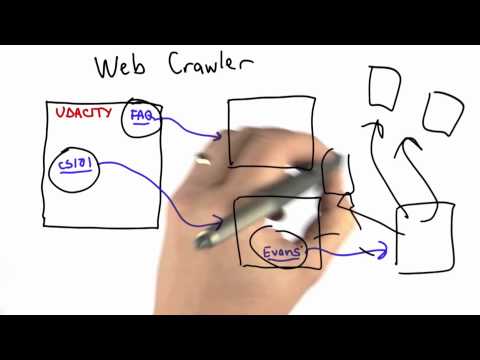
0.5 データ構造とアルゴリズム:リストベースの選択ソート (0.5 Data Structures & Algorithms: List-Based Selection Sort)
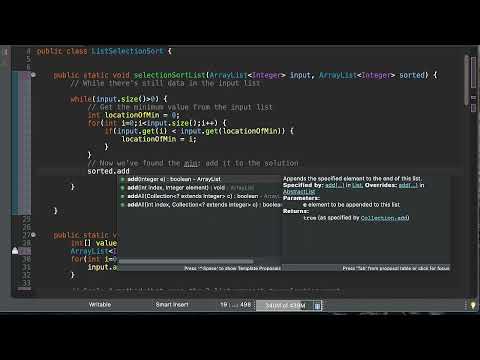
- Okay, then when I'm done, I'd like to print out my list to make sure that it is in fact sorted.
じゃあ、それが終わったら、リストをプリントアウトして、実際にソートされていることを確認したい。
- OK, then when I'm done, I'd like to print out my list to make sure that it is, in fact, sorted.
そして、私は大量のデータを追加するだけだ。
30日間フリップフォンを使ってみた (I used a flip phone for 30 days)

- I can print out, you know, maps, but
あ、あった。
- I can print out, you know, maps,
よし、なんとかリサイクルセンターを見つけたぞ。
大人でもできる!どんなことでも早く習得する5つの簡単なステップ (5 easy steps to learn anything FASTER (as an adult))
- To help you out, I actually created a PDF worksheet that you can print out and write on or digitally write on that'll help you make sure that you are on the right path when you are learning any new topic.
そんなあなたのために、新しいトピックを学ぶときに正しい道を歩んでいるかどうかを確認するのに役立つ、印刷して書き込んだり、デジタルデータで書き込んだりできるPDFワークシートを作りました。
- To help you all, I actually created a PDF worksheet that you can print out and write on or digitally write on that'll help you make sure that you are on the right path when you are learning any new topic.
C++のベクター型 (The Vector Type in C++)

- Next, we would like to just print out these values.
次に、これらの値をプリントアウトしたい。
- Next, we would like to just print out these values.
この例題で、ベクトルとは何かを理解していただけたと思うし、この講義で見たすべての定義とすべての線が、この例題を見ることで明確になったことと思う。
ゲイで恋愛模索中:ロサンゼルスで一番イケてる男性とのお見合い (Gay & Trying: To Set a Blind Date With The Hottest Guy In Los Angeles)

- I'm going to print out a picture of Karina and I'm going to say, do you want this?
カリナと私の写真を印刷して、「これ、どう?」って言うつもりなの。
- I'm going to print out a picture of Karina,
まず、そのアプローチはこの状況には向いてないと思うわ。